Configure Webhooks
Ingest Alerts
Harness AI SRE webhooks receive alerts from any system that can send HTTP requests.
Overview
Webhooks provide a flexible way to integrate with any monitoring system or custom application.
The webhook integration supports any JSON payload format with advanced filtering capabilities, making it easy to integrate with:
- Custom monitoring solutions: Internal tools and homegrown systems
- Internal applications: Business logic alerts and custom triggers
- Third-party services: Any service with webhook support
- Legacy monitoring systems: Older tools without native integrations
Webhook Capabilities
Flexible Payload Support
Accept any JSON structure:
- No schema restrictions
- Nested field support
- Array handling
- Custom field mapping
Custom Field Mapping
Map webhook payload fields to alert properties:
-
Dynamic values: Populate alert fields from incoming payloads
-
Nested field access: Access nested data with dot notation
-
Mustache templates: Reference webhook fields with
{{webhook.field_name}} -
CEL expressions: Complex boolean logic for advanced scenarios
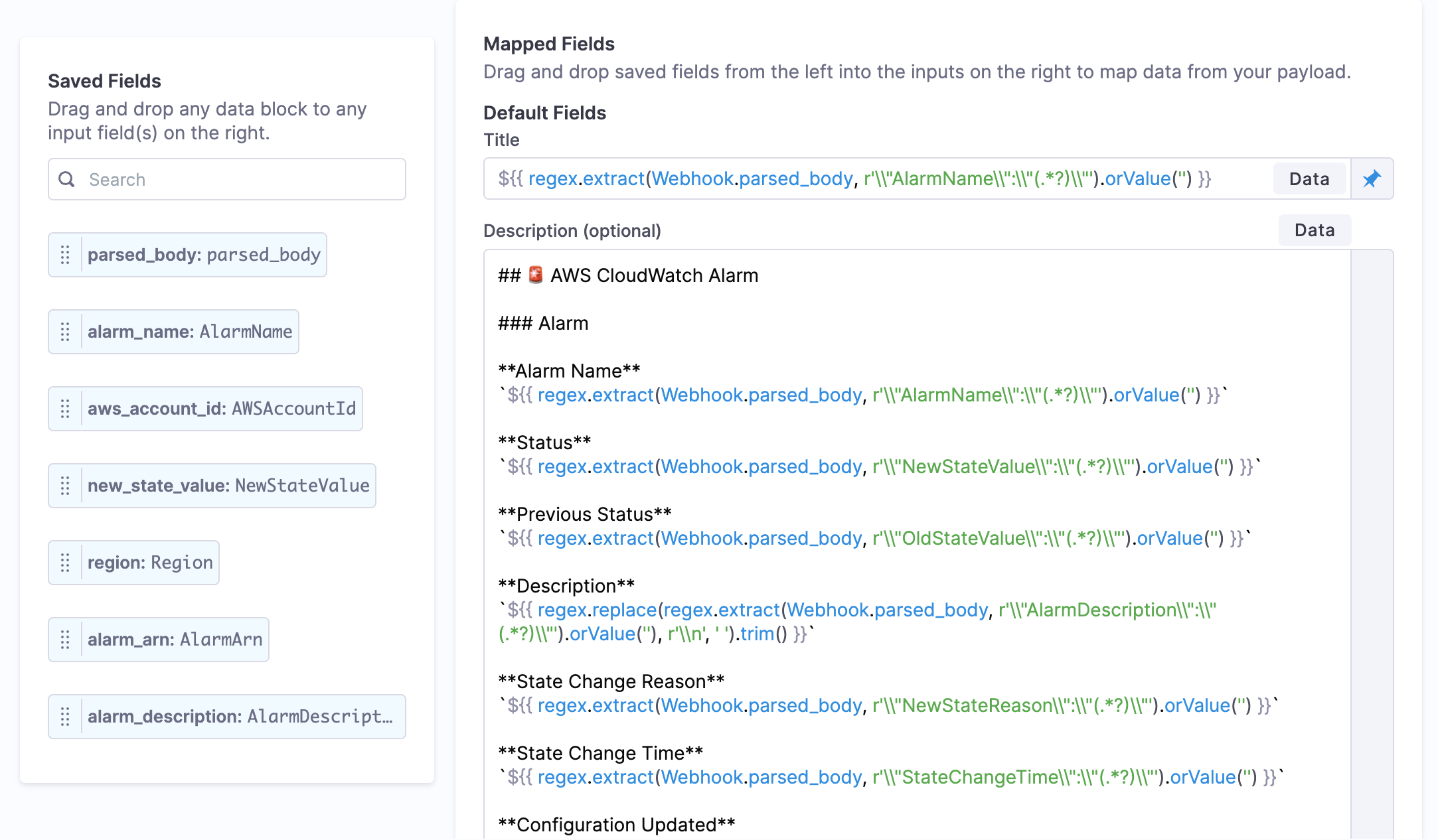
Go to Use CEL in Webhooks for details.
Go to Use Mustache in Webhooks for details.
Getting Started
Step 1: Choose your integration approach
Select the integration method that fits your use case:
- Use a webhook template — Pre-configured templates for popular monitoring tools with field mappings already set up. Go to Webhook Templates for Datadog, PagerDuty, Grafana, and other supported tools.
- Create a custom webhook — Configure your own webhook for any tool that can send HTTP requests. Go to Create a Webhook for step-by-step instructions.
Step 2: Configure the external system
After creating your webhook in Harness, configure the external monitoring tool to send alerts to your webhook URL. Go to External System Setup for detailed guides on configuring Datadog, PagerDuty, Splunk, and other tools.
For services that need dedicated on-call paging from external systems, use Service Paging Webhooks instead. Service paging webhooks automatically create alerts and page the on-call team via HTTP POST or email. Go to Service Paging Webhook to learn more.
Next Steps
- Go to Create a Webhook to set up your webhook endpoint.
- Go to External System Setup to configure Datadog, PagerDuty, Splunk, and other tools to send webhooks to Harness.
- Go to Use CEL in Webhooks to filter webhook payloads with conditional logic.
- Go to Use Mustache in Webhooks to map webhook fields to alert properties.
- Go to Route Alerts to route and process incoming alerts.