Artifact Registry and Continuous Delivery
Harness Artifact Registry (HAR) integrates with Harness Continuous Delivery (CD) pipelines, enabling you to store, manage, and deploy artifacts across your software delivery lifecycle. This integration provides a unified experience for artifact management and deployment, ensuring traceability from build to production.
Before you begin
Make sure you have the following:
- Harness account with both Artifact Registry and Continuous Delivery modules enabled.
- Artifacts stored in HAR: Go to Create a registry to set up your registry and push artifacts.
- CD pipeline: Go to CD overview to understand pipeline fundamentals.
- Kubernetes Cluster connector (only required for the Containerized Step Group flow described below): Go to Kubernetes Cluster connector to add one.
Supported CD swimlanes
Harness Artifact Registry works with a wide range of CD swimlanes. Go to CD integrations to view the complete list of supported swimlanes and artifact types.
Configure CD services with Harness Artifact Registry
Once you have artifacts stored in your Harness Artifact Registry, configure your CD services to use HAR as the artifact source:
- In your CD service configuration, select Harness Artifact Registry as the artifact source.
- Specify the registry and repository details.
- Define your artifact selection criteria (tags, versions, or latest).
Once configured, your service is ready to be deployed. The CD pipeline automatically fetches artifacts from HAR during execution.
Go to Use artifacts from Harness Artifact Registry to follow detailed step-by-step instructions on configuring services.
Deployment workflow
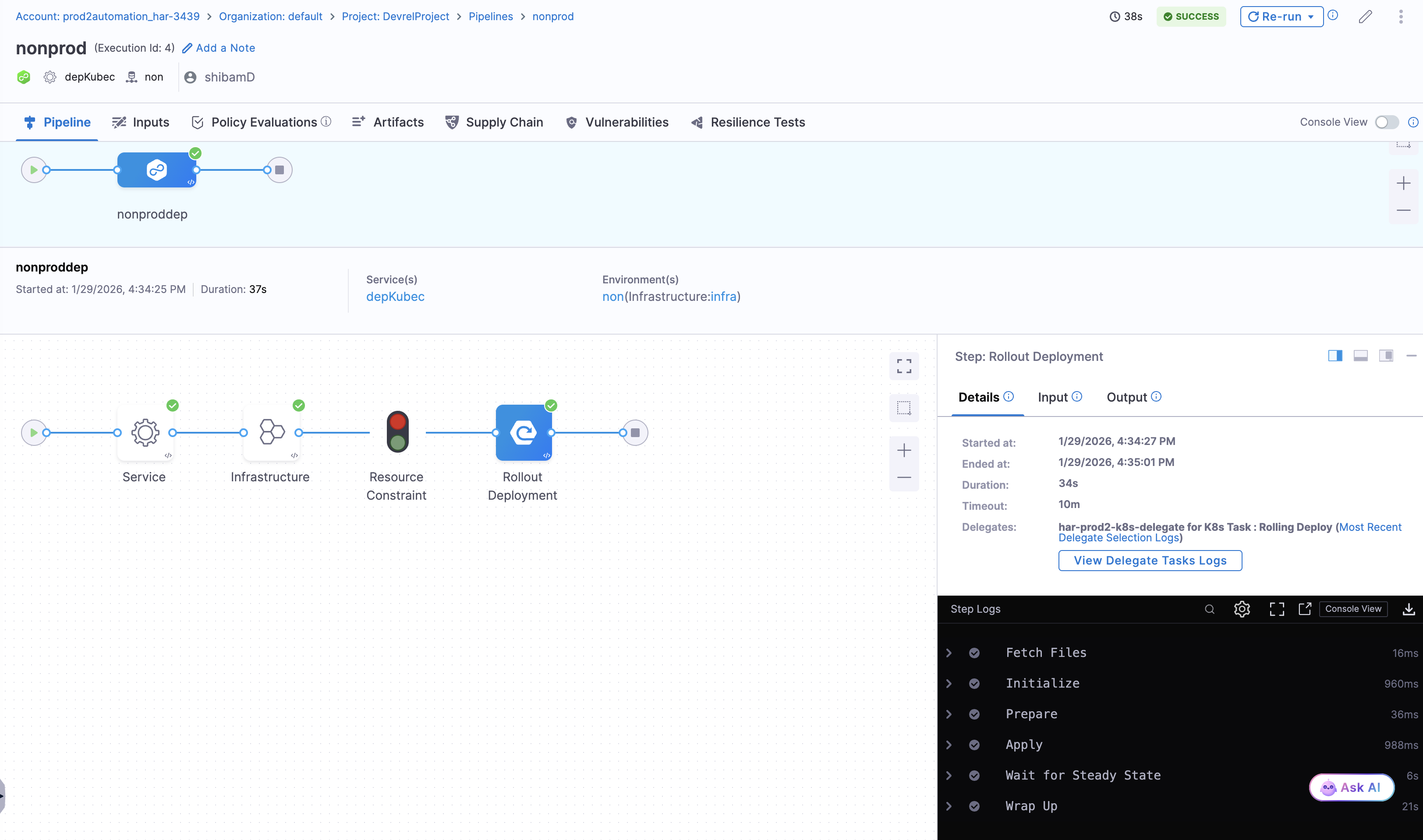
Once your CD service is configured with Harness Artifact Registry, the deployment pipeline automatically authenticates with HAR, pulls the specified artifact version, and deploys it to your target environment.
Add a Run step inside a Containerized Step Group
Reference container images stored in Harness Artifact Registry directly from a CD Run step, without a Docker connector. This is available when the Run step is inside a Step Group with container-based execution enabled.
- In your CD pipeline stage, go to Execution and add a Step Group.
- In the Step Group configuration, enable Container based execution.
- In Kubernetes Cluster, select a Harness Kubernetes Cluster connector for the cluster where the step containers should run.
- Select Apply Changes to save the Step Group configuration.
- Inside the Step Group, select + Add Step and add a Run step.
- In the Run step, set Registry Type to Artifact Registry.
- In Container Registry, select the Harness Artifact Registry that hosts the image, and in Image, enter the image reference (for example,
myapp:1.2.3).
Choose Third-Party Artifact Registry instead when you want to pull the image from an external Docker registry through a Harness Docker connector.
Go to Containerized Step Groups to review the full Step Group configuration reference and Kubernetes cluster options.
Benefits of HAR and CD integration
The native integration between HAR and CD provides several advantages:
- Unified platform experience: Consistent authentication, permissions, and audit logging across artifact management and deployment workflows.
- Automated artifact selection: Configure pipelines to automatically select artifact versions based on tags, labels, or runtime inputs.
- Security and compliance: Ensure only approved artifacts are deployed with built-in access controls and audit trails.
Next steps
After configuring your CD services with Harness Artifact Registry:
- Go to CD integrations to review supported swimlanes and deployment types.
- Go to Artifact sources in CD services to configure artifact sources for your pipelines.
- Go to Artifact Registry best practices to optimize your registry configuration.