Application Maps
Last updated on
Before you begin
- Service discovery
- How Harness CE leverages Service Discovery?
- Create Discovery Agent
- What is Application Map?
Create Application Map
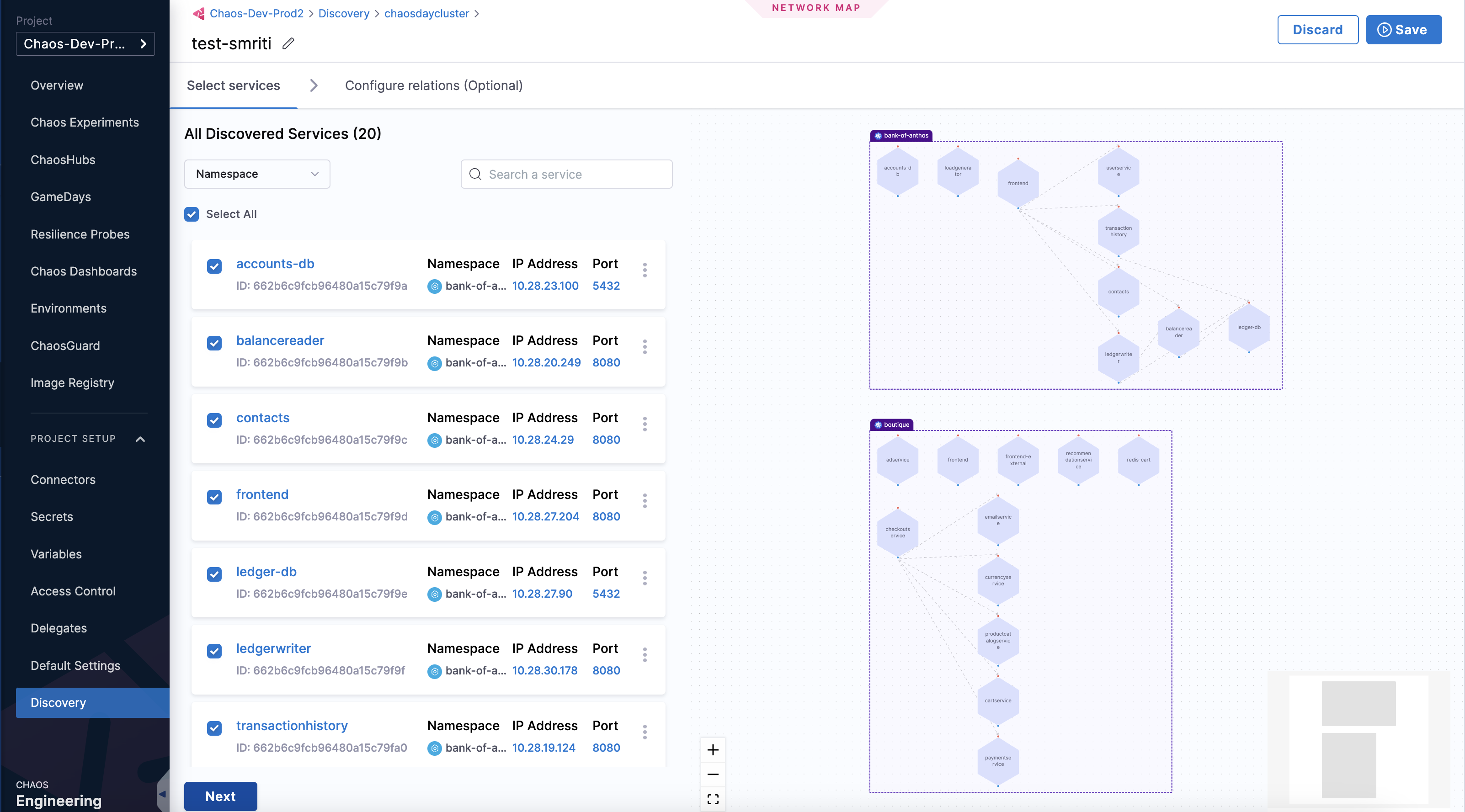
Go to create an application map and follow the steps, except, navigate to Chaos module, and select Project Settings, and then select Discovery.
note
Alternatively, navigate to Chaos module -> Application Maps -> Manage Discovery in Project Settings. This also leads you to the page in step 2.
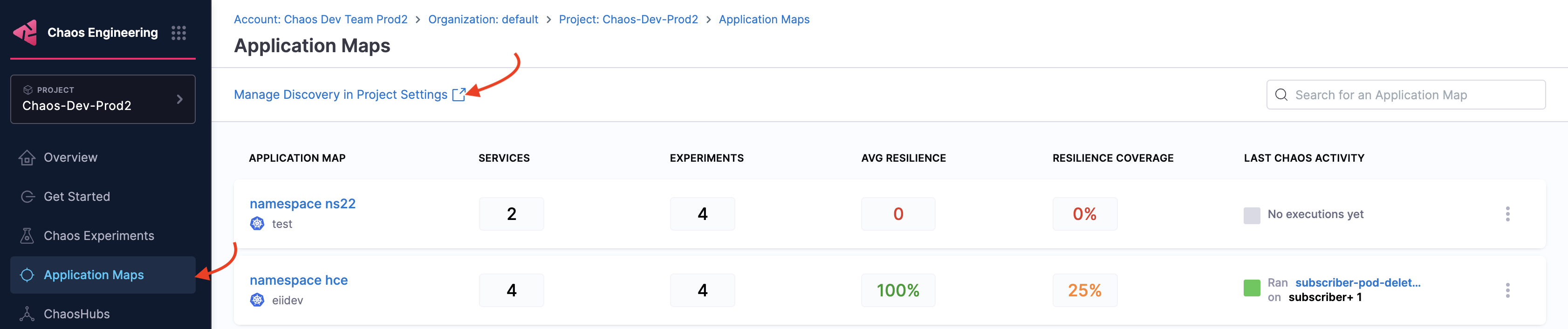
In the step where you select one or more discovered services, choose a specific service on which you want to inject chaos, and click Next.
note
-
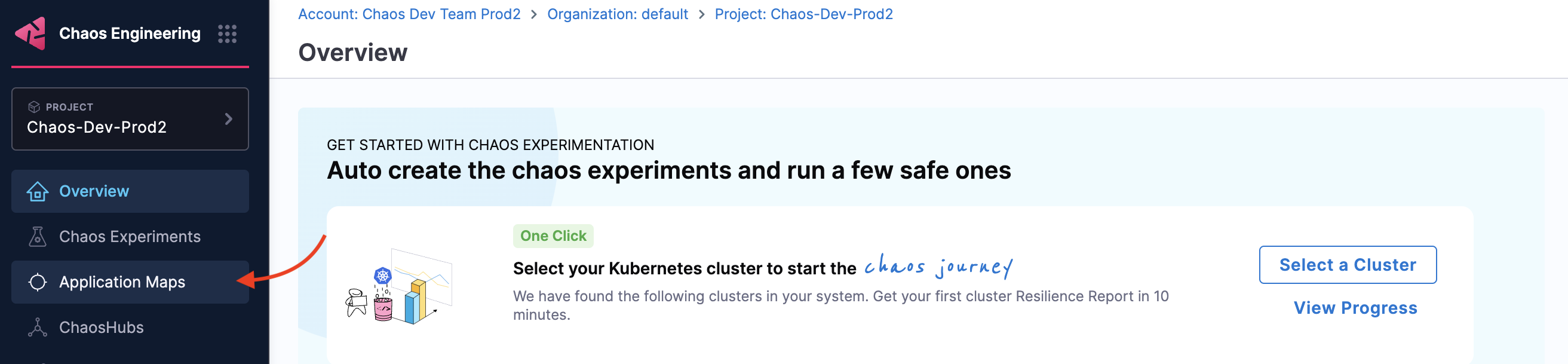
To view chaos-enabled experiment map, navigate to Chaos module and select Application Maps.
-
To manually associate the experiment as a part of an application map, specify the tag
applicationmap=<application map identity>in the experiment.